Tablets
Microsoft Surface Pro 11th Edition
Microsoft's 2024 Snapdragon X Surface Pro is a 13-inch 120Hz 2-in-1 Copilot+ PC with an optional OLED screen, up to 32GB RAM, Wi-Fi 7 and up to 14 hours of video playback.
Key figures at a glance
Gallery
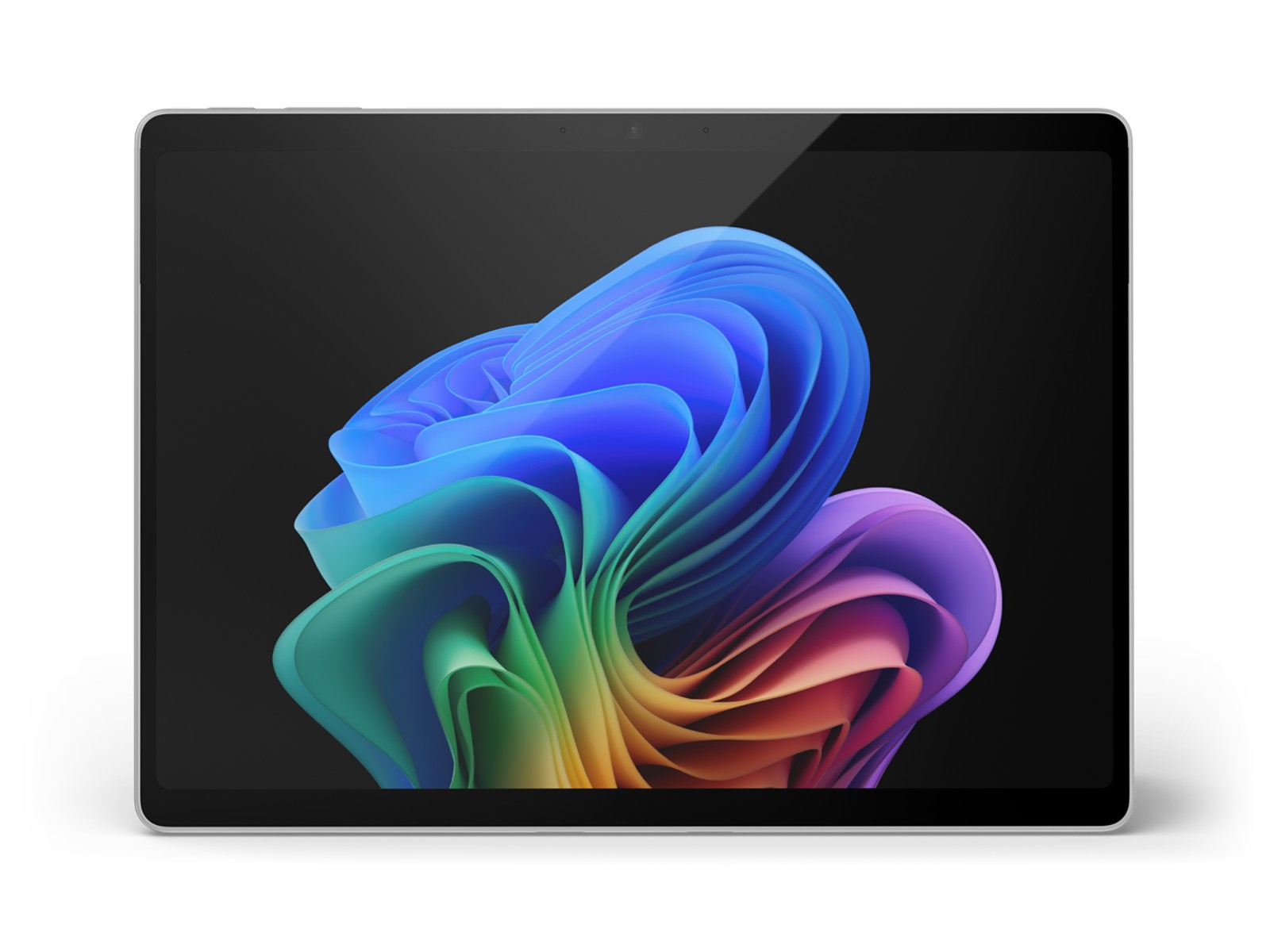
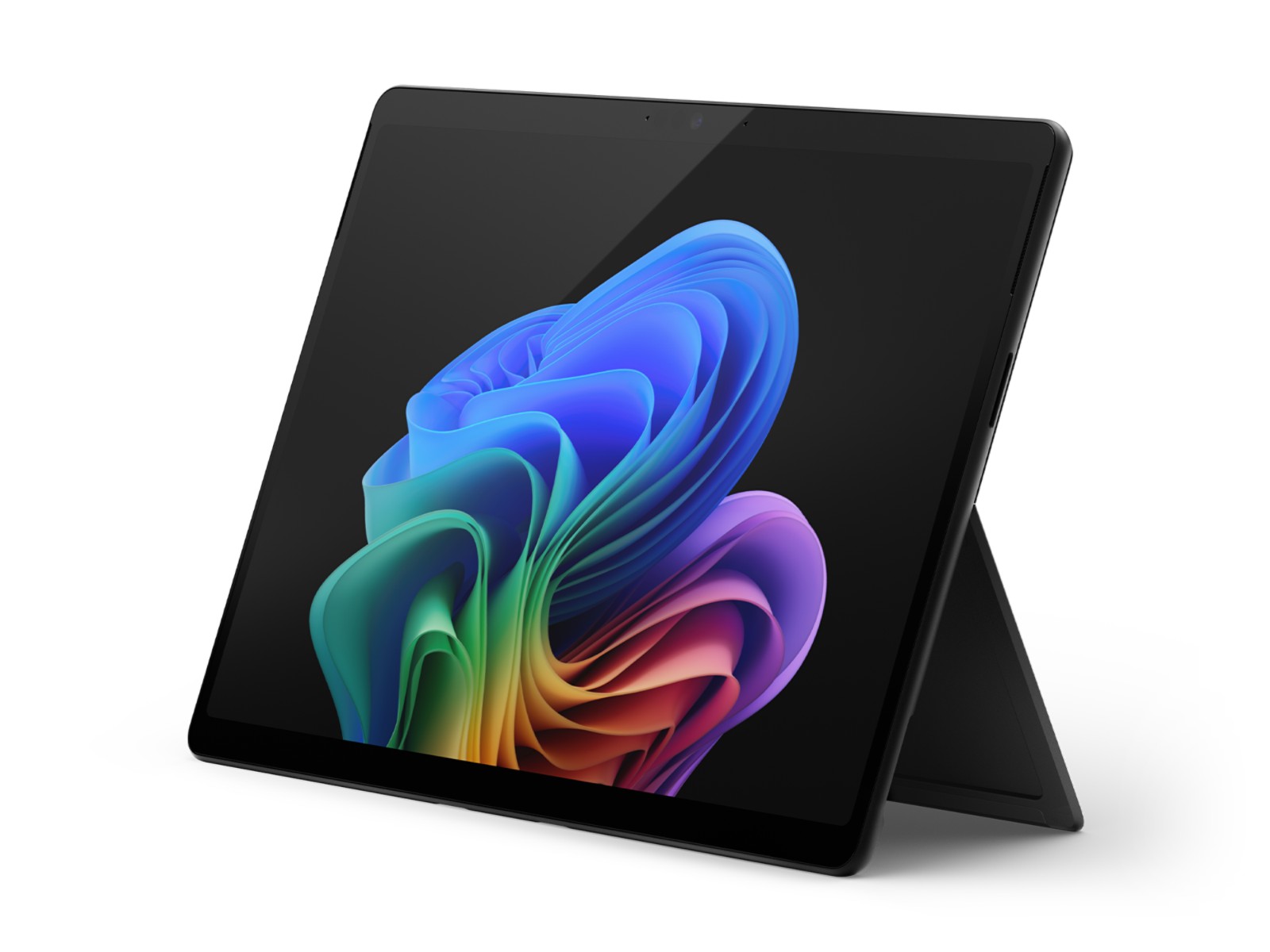
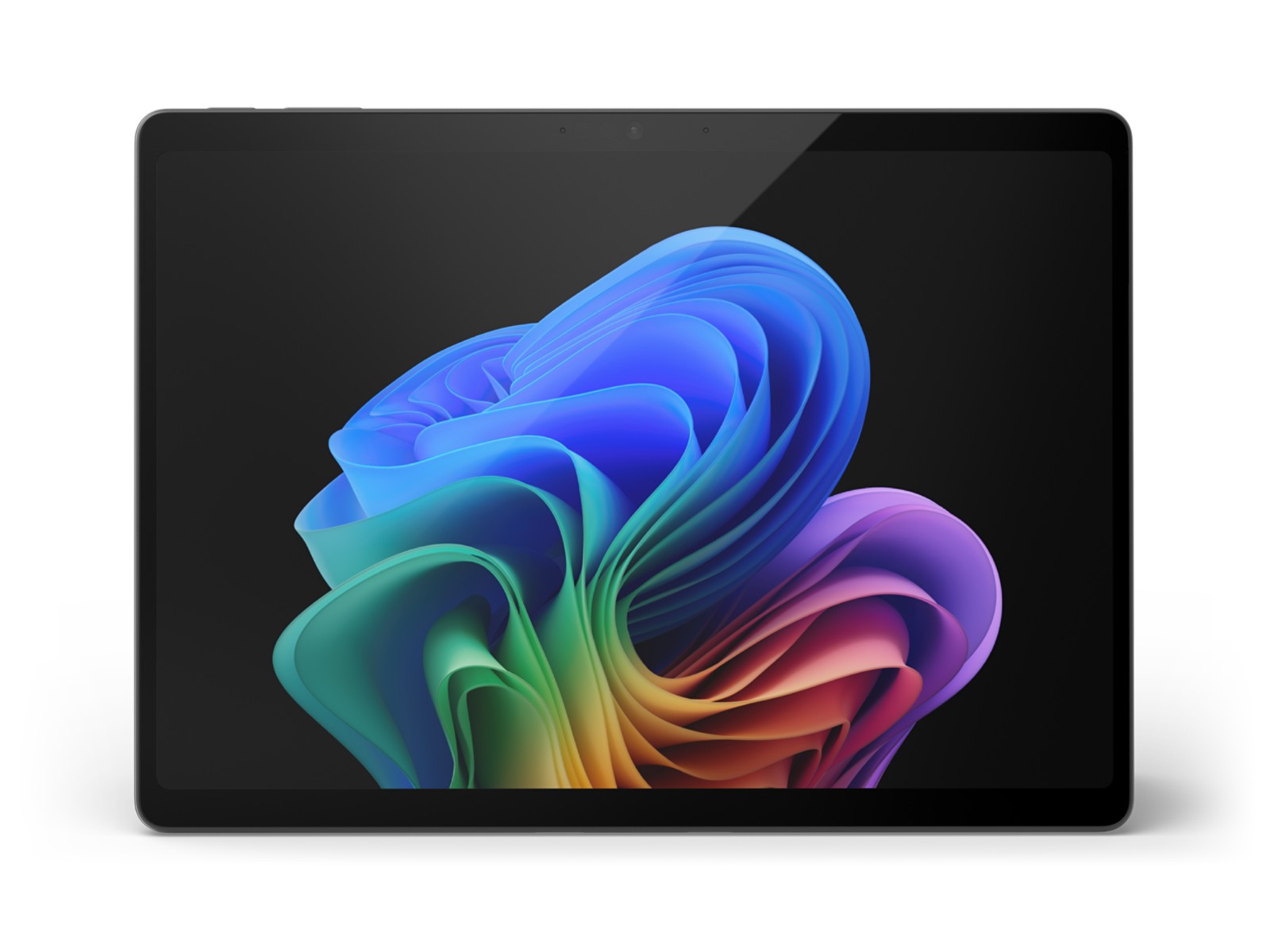
Specifications
- Display
- 13" PixelSense Flow touchscreen, 2880x1920 (267 PPI), 3:2, up to 120Hz, OLED (600 nits SDR / 900 nits HDR peak) or LCD (600 nits SDR / 600 nits HDR peak), Gorilla Glass 5
- Chipset
- Snapdragon X Plus (10-core) or Snapdragon X Elite (12-core), Qualcomm Hexagon NPU 45 TOPS
- RAM
- 32GB
- Storage
- 256GB / 512GB / 1TB removable Gen 4 SSD
- Rear Camera
- 10MP main (Ultra HD rear-facing camera)
- Front Camera
- 1440p Quad HD Surface Studio Camera, ultrawide, Windows Hello face authentication
- Battery
- Up to 14 hours local video playback, up to 10 hours active web usage (Wi-Fi models)
- OS
- Windows 11 (Copilot+ PC)
- Weight
- 895 g (1.97 lb), without keyboard
- Dimensions
- 287 x 209 x 9.3 mm
- Ports
- 2x USB-C / USB4, Surface Connect, Surface Pro Keyboard port, nano-SIM (5G models)
- Connectivity
- Wi-Fi 7, Bluetooth 5.4, optional 5G
- Audio
- 2W stereo speakers with Dolby Atmos, dual Studio Mics
- RAM Options
- 16GB / 32GB LPDDR5x
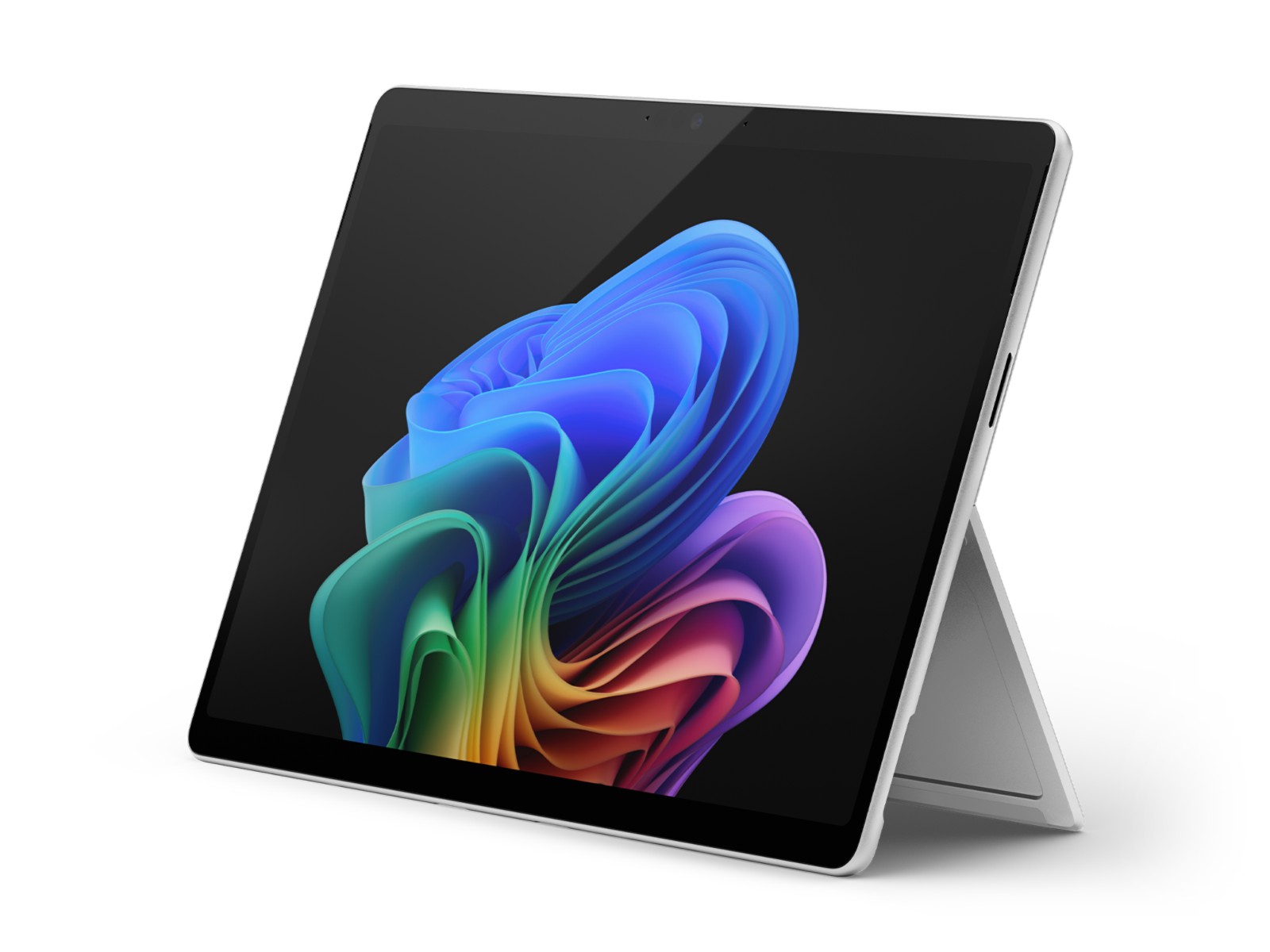
The Microsoft Surface Pro 11th Edition, officially called Surface Pro (11th Edition), is the 2024 Snapdragon X version of Microsoft's detachable 2-in-1. It is a 13-inch Windows tablet with a kickstand, built around a Qualcomm Snapdragon X Plus or Snapdragon X Elite processor with a 45 TOPS neural engine, and sold as a Copilot+ PC. Microsoft offers it with an OLED or an LCD PixelSense Flow display at up to 120Hz, 16GB or 32GB of memory, removable SSD storage and Wi-Fi 7, with an optional 5G model. This page is based on the published specifications and manufacturer information; claims about battery life and performance are Microsoft's, measured under its own conditions.
Where it sits in the Surface lineup
Naming is the first thing to get right, because Microsoft has released several Surface Pro models in quick succession. The 11th Edition is the 2024 model described here. The later Surface Pro 12th Edition moves to Snapdragon X2 processors according to Microsoft's current product page, and the smaller Surface Pro 12-inch is a separate, more compact model. Microsoft's support documentation also lists Intel Core Ultra configurations under the 11th Edition name, aimed at business customers; this page covers the Snapdragon version, which is the one with the Copilot+ and long-battery story that defined the launch.
Microsoft's own materials do not give a US list price or an on-sale date on the pages we used. The 18 June 2024 date shown on this page follows the widely reported shipping date of the launch generation and is not taken from an official product page, so treat it as approximate. Pricing has also changed since launch, and business and consumer store listings carry different figures, so check Microsoft's store for the current price rather than relying on a launch number.
Design and display
The tablet measures 287 x 209 x 9.3 mm and weighs 895 g (1.97 lb) without a keyboard. It has two USB-C ports with USB4, a Surface Connect port for charging and docking, and a connector for the Surface Pro Keyboard, so it is built to switch between tablet and laptop use. Microsoft lists Platinum and Black among the colours in its materials, and the official renders show the angled kickstand design that has characterised the Pro line for years. Microsoft also describes the device as more repairable than before, with replaceable parts available for out-of-warranty repair through authorised providers, and the SSD is described as removable.
The screen is a 13-inch PixelSense Flow touchscreen with a 3:2 aspect ratio and a resolution of 2880 x 1920 (267 PPI), refreshing dynamically up to 120Hz. Microsoft lists two panels. The OLED version has a contrast ratio of 1,000,000:1, 600 nits of typical SDR brightness and 900 nits of HDR peak. The LCD version has a 1,200:1 contrast ratio, with 600 nits typical SDR and 600 nits HDR peak. Both support 10-point multi-touch, Dolby Vision IQ, adaptive colour and Corning Gorilla Glass 5. The OLED model is the choice for deep blacks and HDR video; the LCD model is the more conservative option. In Microsoft's materials the Snapdragon X Elite is paired with the OLED panel and the Snapdragon X Plus with the LCD panel in the standard configurations, so check the exact pairing in the configuration you choose.
Performance, memory and software
The processor choices are Snapdragon X Plus with 10 cores and Snapdragon X Elite with 12 cores, both with Qualcomm Adreno graphics and a Hexagon NPU rated at 45 TOPS. Memory is LPDDR5x in 16GB or 32GB, and storage is a removable Gen 4 SSD of 256GB, 512GB or 1TB. Microsoft's store notes lower maximums for the 5G model (16GB of RAM and 512GB of storage), so the highest memory and storage tiers apply to Wi-Fi versions. The software is Windows 11, with Home on consumer models and Pro on commercial models, and Microsoft's security features include TPM 2.0, Pluton and Windows Hello face sign-in.
The key point with a Snapdragon PC is software compatibility. These chips use the Arm architecture rather than x86, so Windows apps are either built natively for Arm or run through Microsoft's emulation. Everyday apps, browsers and Microsoft 365 are the safe ground; specialist software, older drivers and some games and peripherals deserve a compatibility check before you buy. Microsoft also notes that some Copilot+ features need free updates, with availability listed from late 2024 through 2025. We do not quote benchmark results because the official pages do not provide them, and we will not invent any.
Cameras, audio and connectivity
The front camera is a 1440p Quad HD Surface Studio Camera with an ultrawide field of view, supported by Windows Studio Effects such as automatic framing, portrait blur, eye contact and a teleprompter mode. A separate Windows Hello camera handles face authentication. At the back is a 10MP Ultra HD camera. Audio comes from 2W stereo speakers with Dolby Atmos and dual Studio Mics with voice focus, and Bluetooth LE Audio is supported. Wireless is Wi-Fi 7 and Bluetooth 5.4, and the 5G variant adds cellular with eSIM and NanoSIM support, GNSS and 4G fallback.
Battery and charging
Microsoft claims up to 14 hours of local video playback and up to 10 hours of active web use on Wi-Fi models, and up to 9 hours of active web use on 5G models connected through cellular. The company does not state a battery capacity in mAh or Wh on the pages we used. Charging works through the Surface Connect port or USB-C, with fast charging supported from a power supply of at least 65W. Real endurance will depend on brightness, display type and workload, and OLED panels typically behave differently from LCD ones when showing bright content, so use the claims as a ceiling and not as a promise.
Keyboards, pens and accessories
The Surface Pro is only half a laptop without its keyboard. The device has a dedicated keyboard connector and Microsoft lists pen and keyboard compatibility for it; keyboards and pens are accessories, so check the exact bundle before you pay, because the cost of a full tablet-plus-keyboard-plus-pen setup is well above the tablet's own price. Docking and external displays go through the USB4 ports and Surface Connect, with DisplayPort 1.4a support listed.
Who it is for, and the compromises
The Surface Pro 11th Edition suits professionals, students and travellers who want a thin Windows machine with long battery life, a high-quality screen and the flexibility to work as a tablet, and who live mostly in mainstream apps. It is less suited to people who rely on niche x86 software, who want the cheapest possible Windows tablet, or who need the highest configurations in a 5G model. The main trade-offs are the price once you add a keyboard and pen, the Arm compatibility question, a weight of 895 g that is heavier than a typical Android tablet, and the fact that the newer Surface Pro models now exist. Our comparison with the iPad Pro M5 sets it against Apple's tablet from a different operating-system philosophy, and the comparison with the 12th Edition is the right check if you are choosing between generations. For the wider field, see our rankings.
In short, this is a capable, quiet-looking 2-in-1 that brought Windows on Arm to Microsoft's flagship Surface tablet. Confirm the processor and display pairing, the memory option, the availability of 5G in your region and the current price before ordering.
Where it ranks
Compare Microsoft Surface Pro 11th Edition with similar devices
More from Microsoft
Frequently asked questions
When was the Microsoft Surface Pro 11th Edition released?
The Microsoft Surface Pro 11th Edition was released on 2024-06-18, according to the manufacturer’s published information.
What are the main specs of the Microsoft Surface Pro 11th Edition?
Headline figures for the Microsoft Surface Pro 11th Edition: Refresh rate: 120 Hz, Main camera: 10 MP, RAM: 32 GB. The full specification table is further up this page.
Is the Microsoft Surface Pro 11th Edition worth buying?
That depends on your priorities. Use the editorial review on this page for our view, check the rankings above to see where the device stands on battery, display and camera, and compare it directly with similar models before you decide.