Tablets
Microsoft Surface Go 4 for Business
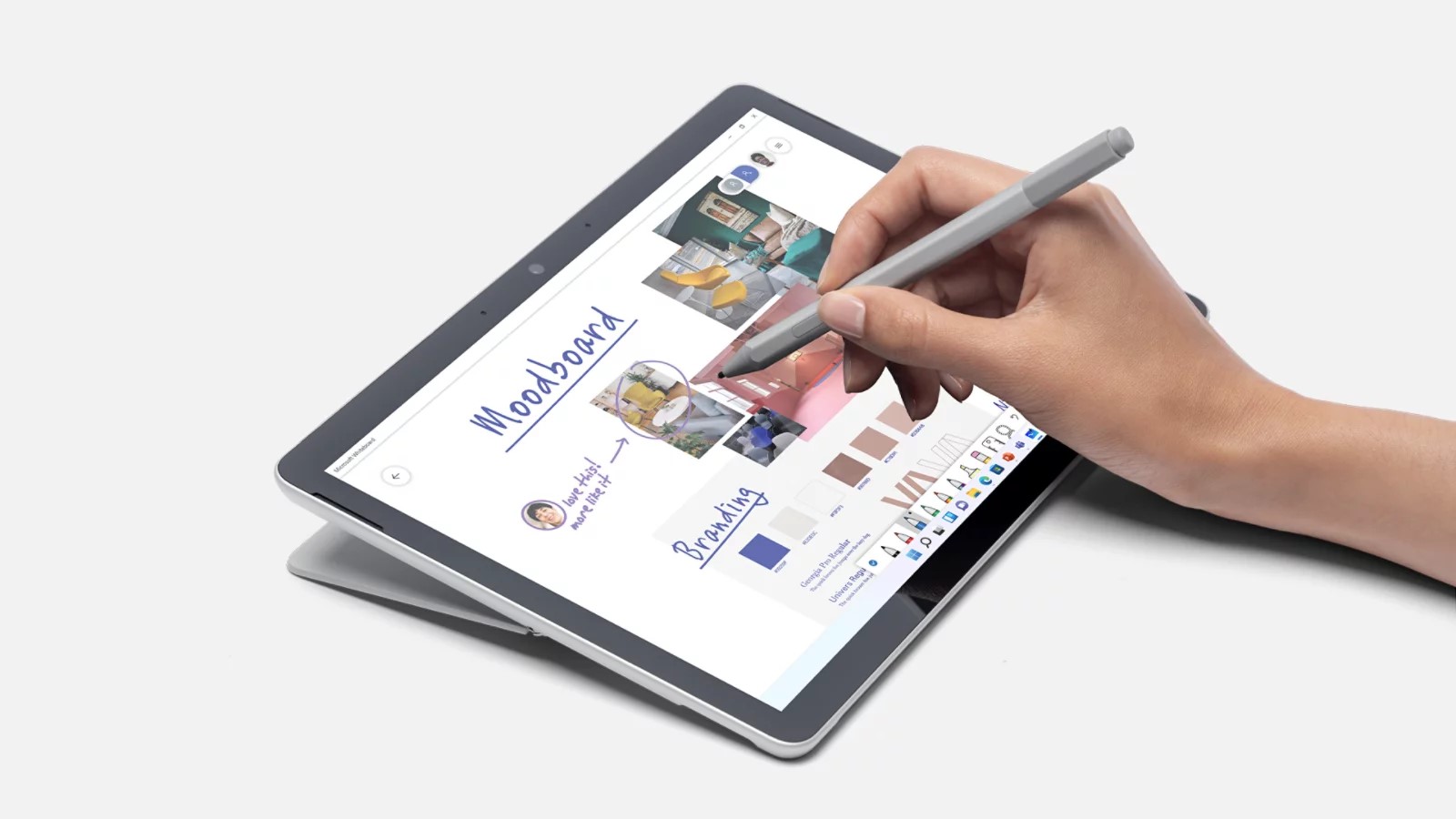
The Surface Go 4 for Business is a 10.5-inch Windows 11 Pro tablet with an Intel N200 chip, 8GB of RAM, a kickstand, pen support and up to 12.5 hours of typical battery life at 521 g.
Key figures at a glance
Gallery
Specifications
- Display
- 10.5" PixelSense touchscreen, 1920 x 1280 (220 PPI), 3:2, 350 nits typical, 1500:1 contrast, 10-point multi-touch, Corning Gorilla Glass 3
- Chipset
- Intel Processor N200, Intel UHD Graphics
- RAM
- 8GB LPDDR5
- Storage
- 64GB / 128GB / 256GB UFS
- Battery
- Up to 12.5 hours typical use (29 Wh nominal), 24W power supply, fast charging with 60W+ USB-C PD charger (sold separately)
- Rear Camera
- 8MP main (1080p Full HD rear-facing)
- Front Camera
- 1080p Full HD, Windows Hello face authentication camera
- Audio
- 2W stereo speakers with Dolby Audio Premium, dual far-field Studio Mics
- Ports
- USB-C 3.1, microSDXC card reader, 3.5mm headphone jack, Surface Connect, Surface Type Cover port
- Connectivity
- Wi-Fi 6, Bluetooth 5.1
- Security
- TPM 2.0, Windows Hello face sign-in, Windows 11 Secured-core PC
- Dimensions
- 245 x 175 x 8.3 mm, 521 g, magnesium casing, 165-degree kickstand
- OS
- Windows 11 Pro or Windows 10 Pro
- Pen
- Surface Pen, Microsoft Classroom Pen 2, Microsoft Business Pen (Microsoft Pen Protocol)
- Colors
- Platinum
The Microsoft Surface Go 4 for Business is the smallest and lightest Windows tablet in Microsoft's Surface family. Announced on 21 September 2023, it combines a 10.5-inch touchscreen, an integrated kickstand and a full desktop version of Windows 11 Pro in a body that weighs 521 g without a keyboard. Microsoft sells this generation as the "for Business" model and describes it as its most portable 2-in-1, built for work in the field, where a full laptop is too big to carry. This page is a review based on the published specifications and manufacturer information. It explains what the tablet contains, how it differs from a consumer tablet, and which compromises come with a small, low-power Windows machine.
Where it sits in the lineup
Surface Go is the entry point of Microsoft's two-in-one range. Higher up are the Surface Pro models, such as the Surface Pro 12-inch, which carry more powerful processors, larger screens and higher prices. The Go 4 takes the opposite route: a compact format, an Intel processor aimed at light tasks and a focus on portability and manageability. Compared with Apple and Android tablets, its main difference is the operating system. The iPad (A16) and the Galaxy Tab A9 run mobile systems with tablet-first apps, whereas the Go 4 runs Windows with ordinary desktop programs. A direct table is available at Surface Go 4 vs iPad (A16). The listing date of 21 September 2023 is Microsoft's announcement date; Microsoft's pages do not publish a US list price for this model, so none is shown here.
Display and design
The screen is a 10.5-inch PixelSense display with a resolution of 1920 x 1280 pixels, about 220 pixels per inch, in a 3:2 aspect ratio that suits documents and web pages better than a wide video format. Microsoft lists a contrast ratio of 1500:1, an sRGB and Enhanced colour profile, individual colour calibration at the factory, 10-point multi-touch and Corning Gorilla Glass 3. Typical brightness is 350 nits, which is adequate indoors but modest for strong sunlight, and a field device is often used outdoors. Microsoft does not state a refresh rate, so no claim about smoothness can be made from the published sheet.
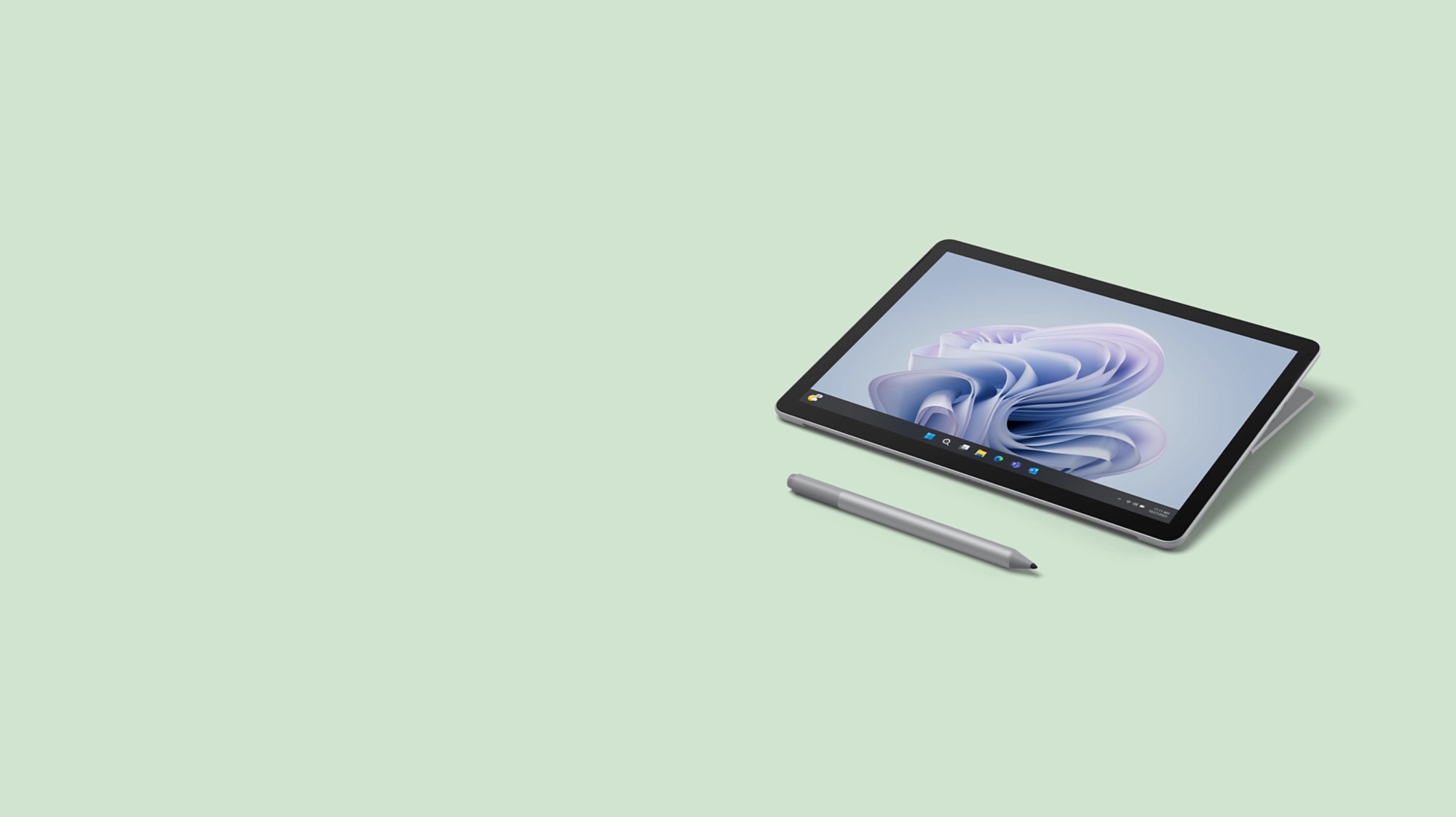
The body is made of magnesium and finished in a single colour, Platinum. It measures 245 x 175 x 8.3 mm and weighs 1.15 lb, or 521 g, without the optional Type Cover. A built-in kickstand with a 165-degree friction hinge holds the tablet at almost any angle, from upright for video calls to nearly flat for writing with a pen. Physical buttons are limited to volume and power.
Performance and memory
Inside is an Intel Processor N200 with Intel UHD Graphics, paired with 8GB of LPDDR5 memory. Storage is UFS flash in 64GB, 128GB or 256GB sizes. Microsoft states that the N200 offers up to 80 percent faster processor performance than the previous generation, and says it is aimed at tasks such as e-mail, reading records, browser-based applications and responding to customers. That claim is relative to an older low-end chip; the N200 is still an entry-level processor, so it suits office programs, web apps and video calls but not heavy photo editing, large spreadsheets or demanding software. The 64GB option leaves little room once Windows and updates are installed, so many organisations will prefer a larger size, and Microsoft's own footnote notes that system software uses significant storage space.
Cameras, audio and ports
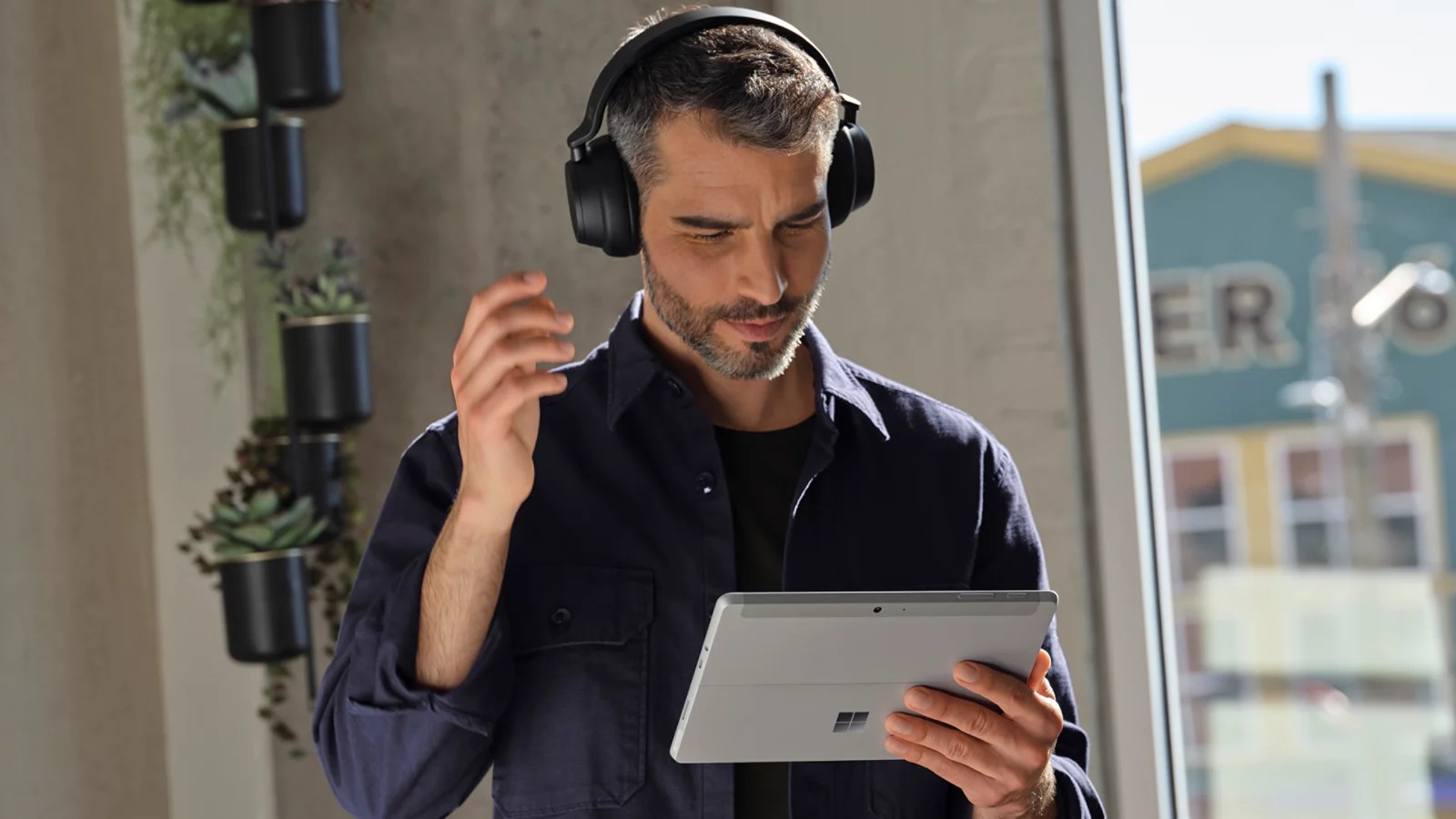
For video calls, the tablet has a 1080p Full HD front camera and a separate Windows Hello face-authentication camera, as well as dual far-field Studio Mics with Voice Clarity and 2W stereo speakers tuned with Dolby Audio Premium. At the back there is an 8MP camera recording 1080p video, which Microsoft says is suitable for scanning documents or capturing video from a job site. Connectivity includes USB-C 3.1 for data, DisplayPort and charging, a microSDXC card reader, a 3.5 mm headphone jack and the Surface Connect port, along with the Type Cover connector. Wireless support is Wi-Fi 6 and Bluetooth 5.1. Microsoft says that connecting the tablet to a 4K monitor through a Surface Dock turns it into a desktop PC.
Battery and charging
Microsoft quotes up to 12.5 hours of typical device usage, with a nominal battery capacity of 29 Wh. The footnote warns that battery life varies significantly with usage, network, settings and signal strength. In the box is a 24W power supply; Microsoft adds that fast charging works with a USB-C Power Delivery charger or power supply rated at 60W or higher, which is sold separately and not supported by the in-box unit. Surface Connect and USB-C both allow charging, so you can use whichever cable is at hand.
Security and management
This is where the Business label matters. The tablet contains a TPM 2.0 chip, supports BitLocker and Windows Hello face sign-in and is a Windows 11 Secured-core PC, which adds hardware and software protections for people who handle sensitive data. Sign-in methods include face recognition, a PIN, an NFC badge and multi-factor authentication. IT departments can deploy with Windows Autopilot and manage the device, including down to the firmware level, through Microsoft's cloud tools. Microsoft cites a report showing a 3.1-times reduction in firmware attacks on new Windows 11 devices. These features are more valuable to a company with many devices than to an individual user.
Serviceability and software
Microsoft states that the Go 4 for Business is easier to repair than earlier models, listing replaceable components that include the display, battery and back cover, kickstand, hinge, motherboard, card reader, cameras, speakers and the Type Cover connector. These are customer-replaceable units available through authorised commercial resellers, and Microsoft warns that opening the device carries risks and that damage from repair attempts is not covered by warranty. The tablet ships with Windows 11 Pro or Windows 10 Pro and a trial of Microsoft 365 apps. The warranty is one year of limited hardware coverage, and Microsoft sells protection plans for up to four years.
Pen and accessories
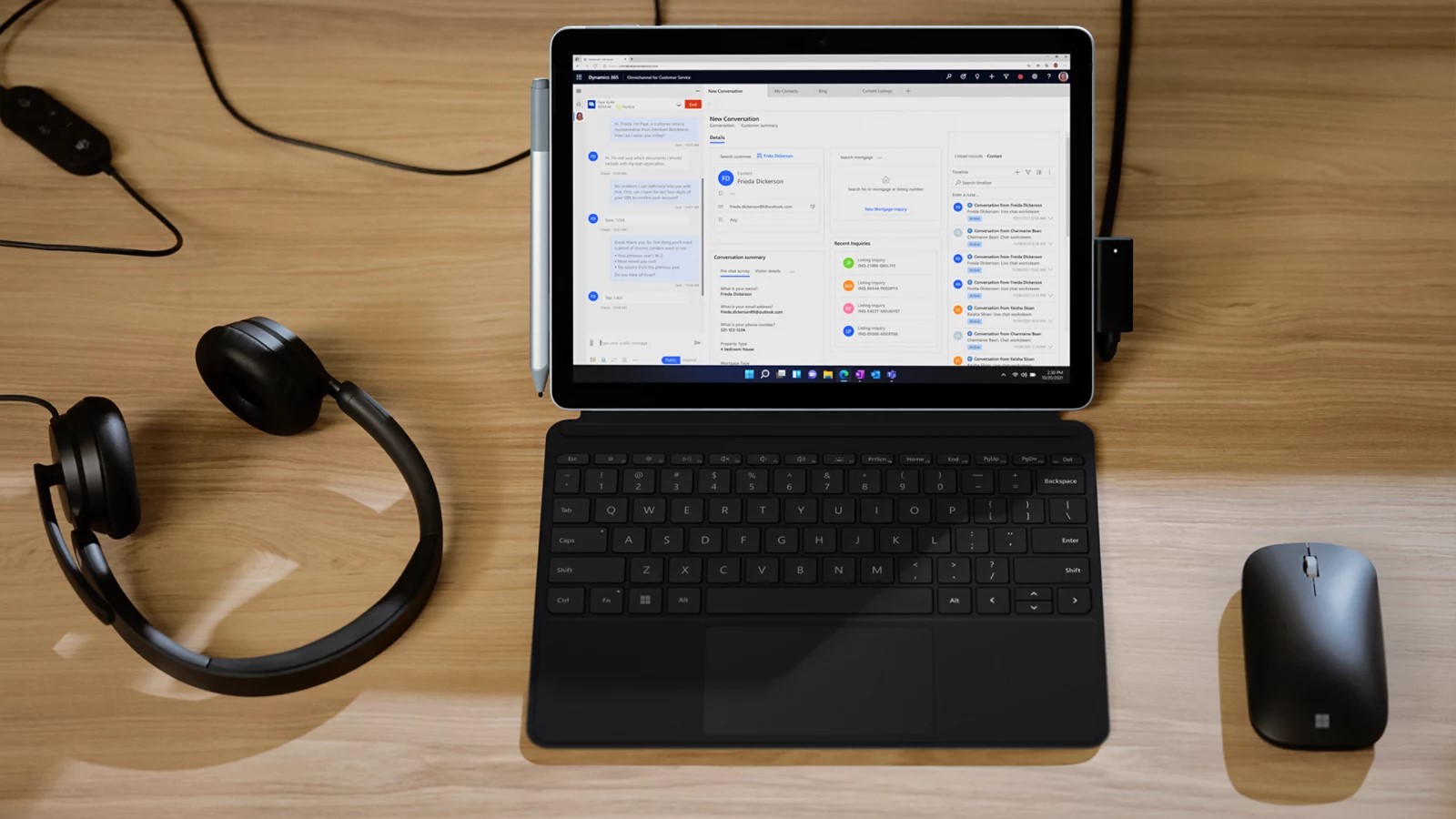
The tablet supports the Microsoft Pen Protocol, so it works with the Surface Pen, the Microsoft Classroom Pen 2 and the Microsoft Business Pen, and magnetic storage for the pen is integrated. The Surface Go Type Cover, which adds a keyboard and a trackpad, and the pen are both sold separately, and the box contains only the tablet, the 24W power supply and documentation. Add these costs to the tablet price when you compare it with an iPad or Android tablet.
Who it is for
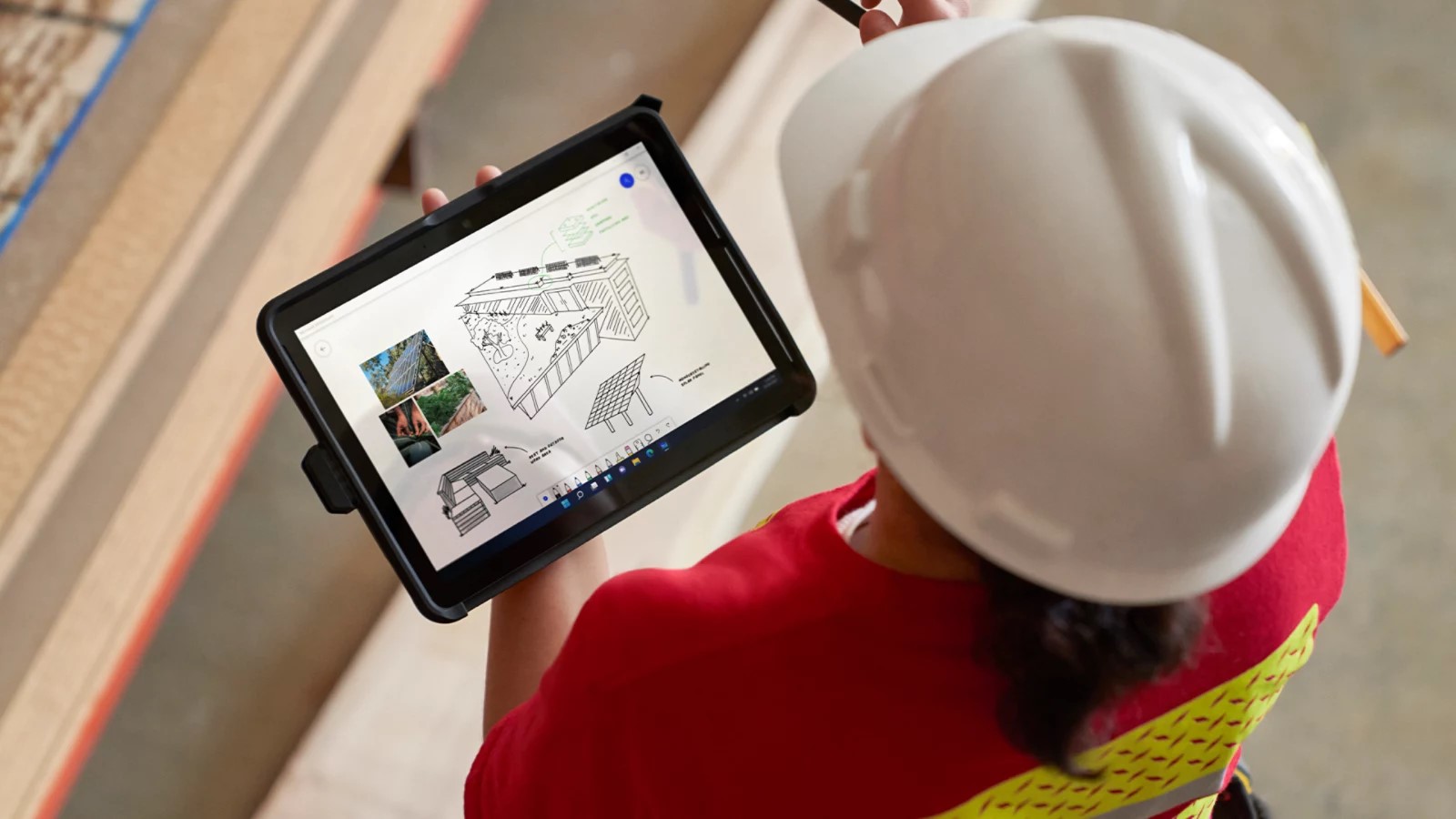
The Surface Go 4 suits organisations that need a light Windows device for mobile staff: technicians who fill in forms, retail staff who check stock, teachers who take notes or health workers who review records, especially when the software they use only runs on Windows. It is also a sensible secondary device for someone who wants a pocketable Windows machine for travel. People who mainly want to watch video, read and play mobile games will usually be happier with a conventional tablet.
Compromises
- The Intel N200 is an entry-level chip, and 8GB of memory is the only option.
- Brightness of 350 nits is modest for outdoor work, and no refresh rate is stated.
- The keyboard cover, pen and fast charger are separate purchases.
- The model is sold for business, so consumer pricing and promotions may be limited.
- The base 64GB storage can be tight with Windows updates and offline files.
As a small, secure Windows tablet, the Go 4 for Business does its job well on paper; as a general entertainment tablet, it is a less convincing choice than the alternatives listed above.
Where it ranks
Compare Microsoft Surface Go 4 for Business with similar devices
More from Microsoft
Frequently asked questions
When was the Microsoft Surface Go 4 for Business released?
The Microsoft Surface Go 4 for Business was released on 2023-09-21, according to the manufacturer’s published information.
What are the main specs of the Microsoft Surface Go 4 for Business?
Headline figures for the Microsoft Surface Go 4 for Business: Main camera: 8 MP, RAM: 8 GB. The full specification table is further up this page.
Is the Microsoft Surface Go 4 for Business worth buying?
That depends on your priorities. Use the editorial review on this page for our view, check the rankings above to see where the device stands on battery, display and camera, and compare it directly with similar models before you decide.