Tablets
Lenovo Yoga Tab
Lenovo's compact 11.1-inch tablet pairs a 144 Hz 3.2K display with the Snapdragon 8 Gen 3, a 6.2 mm metal body and optional pen and keyboard accessories.
Key figures at a glance
Gallery


Specifications
- Display
- 11.1-inch 3.2K LTPS (PureSight Pro), 3200x2000, 16:10, 144Hz, 600 nits typical / 800 nits peak, 98% DCI-P3, Dolby Vision, Gorilla Glass 7i
- Chipset
- Qualcomm Snapdragon 8 Gen 3 (QCM8650Q), Adreno 750, NPU up to 20 TOPS
- RAM
- 12GB
- Storage
- Up to 256GB UFS 4.0 (no card slot)
- Rear Camera
- 13MP main (autofocus, f/2.2) + 2MP macro
- Front Camera
- 13MP, f/2.2, 101-degree ultra-wide
- Battery
- 8,860 mAh (typical), 68W charging support per Lenovo's announcement (spec sheet lists a USB-C adapter up to 45W)
- OS
- Android 15, upgrades to Android 16, 17 and 18 and four years of security updates listed by Lenovo
- Body
- 255.52 x 165.84 x 6.2 mm (8.29 mm with camera), about 458 g, metal, IP53
- Audio
- Four speakers (two tweeters, two woofers) tuned with Dolby Atmos, 2 microphones
- Connectivity
- Wi-Fi 7, Bluetooth 5.4, USB-C 5Gbps with DisplayPort out, 3-point pogo pin; no cellular
- Stylus
- Lenovo Tab Pen Pro (optional): 8,192 pressure levels, tilt, haptic feedback, wireless charging
- Keyboard
- Optional Lenovo Keyboard Pack via pogo pins
- Colors
- Luna Grey, Seashell
The Lenovo Yoga Tab is an 11.1-inch Android tablet that Lenovo introduced in early September 2025 at its IFA-timed Innovation World event in Berlin. It pairs a fast 144 Hz 3.2K display with a Snapdragon 8 Gen 3 processor, a thin metal body of about 6.2 mm and a pen and keyboard ecosystem aimed at people who sketch, annotate, edit video or simply read a lot. This page is based on the published specifications and manufacturer information; it covers where the tablet sits in Lenovo's range, what is inside, and the trade-offs a buyer should weigh.
Where it sits in the lineup
Lenovo's tablet range has several layers. Below the Yoga Tab sits the Idea Tab family, which targets budget and family use, and above it sits the larger Yoga Tab Plus, which Lenovo showed at the start of 2025 with a 12.7-inch screen. The Yoga Tab itself is the compact premium option: smaller and lighter than the Plus, but with the same Snapdragon 8 Gen 3 platform and a display tuned for pen work. Lenovo announced it alongside the cheaper Lenovo Idea Tab Plus, and the two share a four-speaker layout and a three-point pogo connector for keyboard accessories, even though their processors, screens and prices are quite different.
Lenovo's announcement said availability would begin in September 2025, with an expected starting price of 499 euros. Lenovo did not publish a US price in the material reviewed here, so no dollar figure is given on this page. A second generation has since appeared in this catalogue; the Lenovo Yoga Tab Gen 2 moves to a MediaTek chip, a sharper 4K panel and a longer software promise, which makes it the natural comparison for anyone deciding between a discounted first-generation model and the newer one.
Design and display
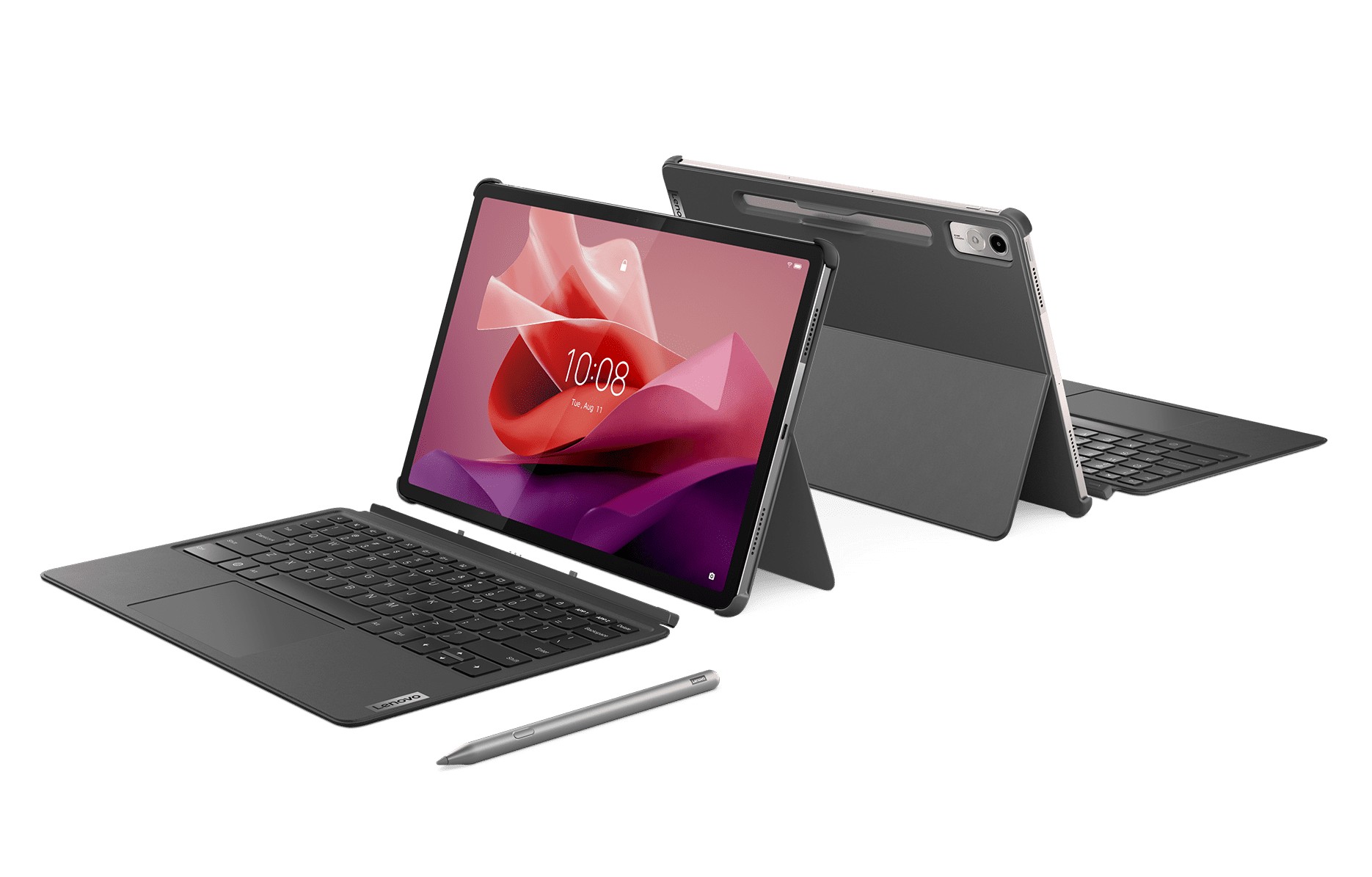
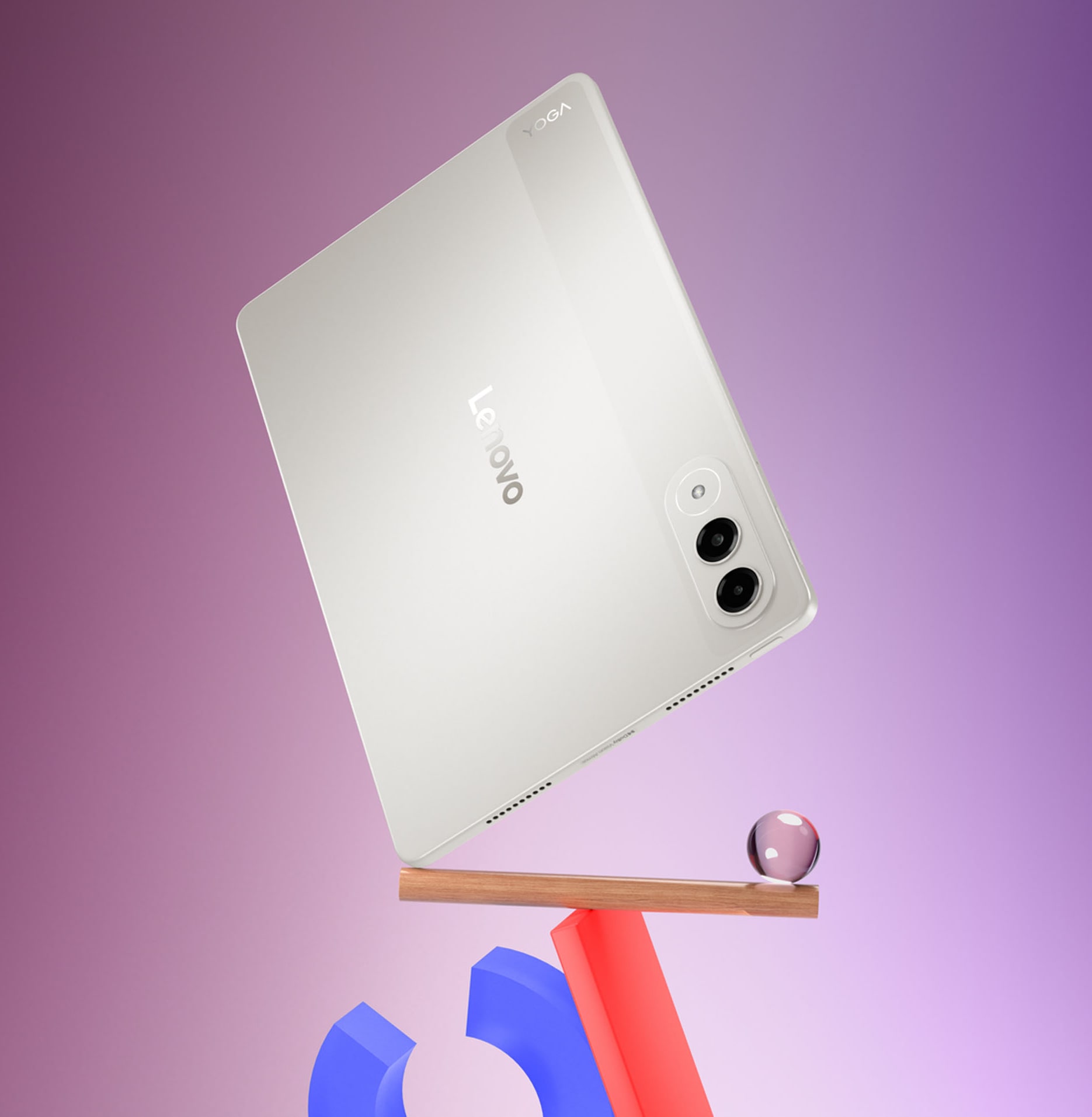
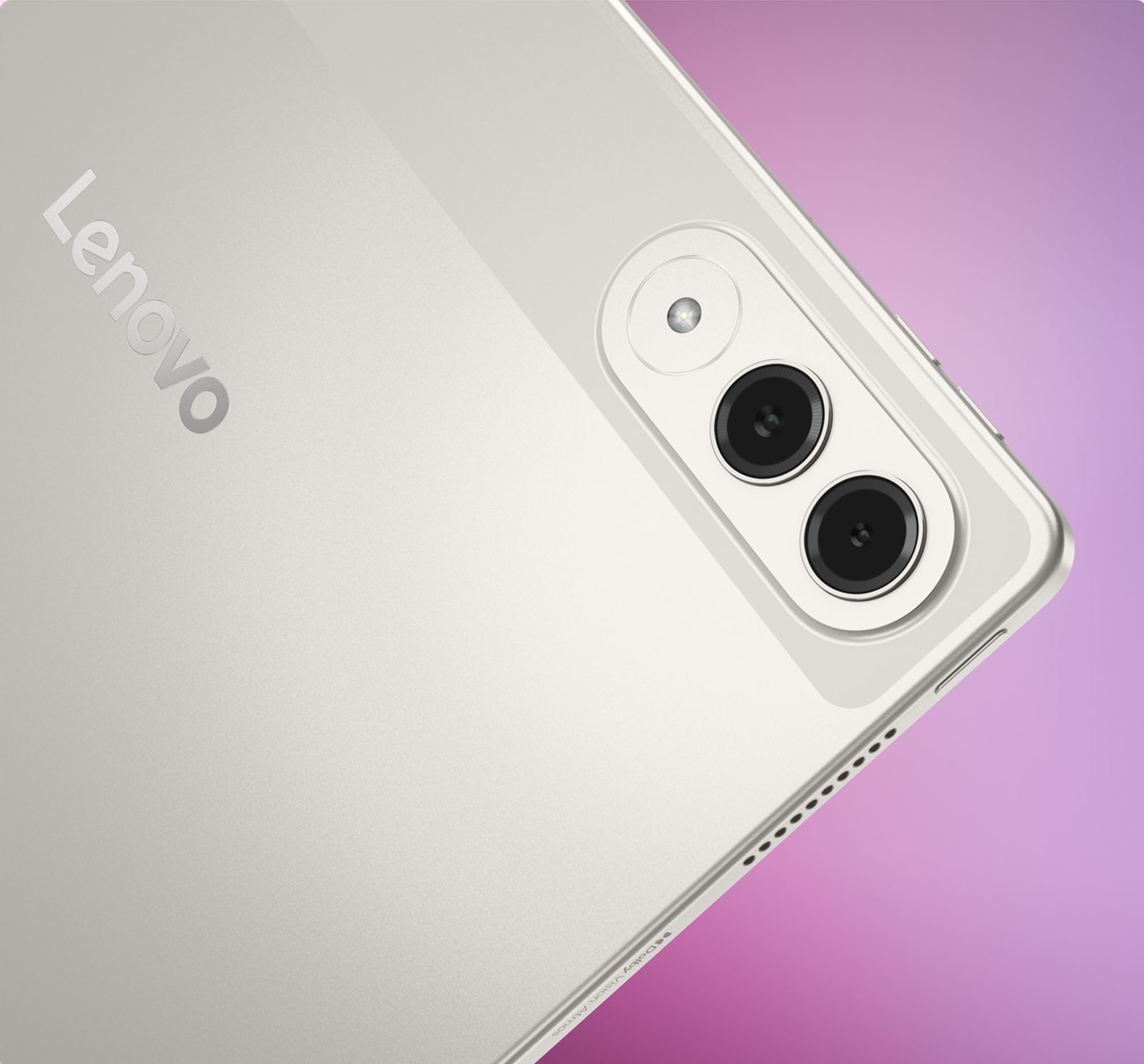
The body is metal and measures 255.52 x 165.84 x 6.2 mm, rising to 8.29 mm where the camera module sits. Lenovo lists a weight of about 458 g, which is light for a screen of this size and noticeably lighter than the 12-inch class. The camera block is a rounded oval on the back with two lenses and a flash, and Lenovo offers two finishes, Luna Grey and Seashell. The tablet carries an IP53 rating, which covers dust and light water splashes but is not a submersion rating, so it should be treated as protection against everyday spills rather than a reason to take the tablet near a pool.
The screen is the main reason to choose it. It is an 11.1-inch LTPS panel at 3200 x 2000 pixels in a 16:10 shape, which works out to roughly 340 pixels per inch. Lenovo lists a 144 Hz refresh rate, 98 percent DCI-P3 colour coverage, a 1400:1 contrast ratio, 600 nits of typical brightness and 800 nits at peak, plus Dolby Vision support. The glass is 0.4 mm Corning Gorilla Glass 7i with an anti-fingerprint surface, and the panel is certified by TUV Rheinland for flicker-free viewing and low blue light through a hardware solution. Lenovo markets the panel under the PureSight Pro name. At 800 nits peak it is bright enough for most rooms, but it will not match the highest outdoor brightness figures found on some competing OLED tablets, and Lenovo does not describe it as OLED.
Performance and software
The Snapdragon 8 Gen 3 (model number QCM8650Q) is a flagship phone chip from 2023, built around one Cortex-X4 core at 3.3 GHz, four Cortex-A720 cores at 2.95 GHz and one Cortex-A520 core at 2.1 GHz, with an Adreno 750 graphics unit. Lenovo quotes up to 20 TOPS for the neural processing unit. In practice that places the tablet well above the mid-range chips used in cheaper models and gives plenty of headroom for demanding games, 3D apps and on-device AI features. Memory options are 8 GB or 12 GB of soldered LPDDR5x, and storage goes up to 256 GB of UFS 4.0. There is no card slot, so the internal capacity you buy is the capacity you keep.
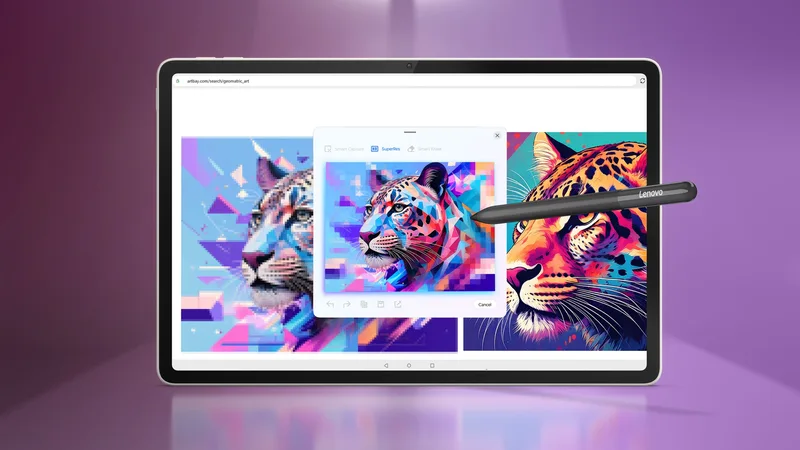
The tablet ships with Android 15. Lenovo lists planned upgrades to Android 16, 17 and 18 and four years of security patches, which is a sensible commitment for a tablet that many owners will keep for several years, although as with any manufacturer promise the actual timing of each release is Lenovo's to decide. Lenovo promotes several AI-assisted features built around the pen and keyboard, including a Smart Capture tool for lifting subjects out of images, sketch-to-image generation, writing assistance and a dedicated Smart Key on the optional keyboard. How useful those are depends heavily on personal workflow, and a few of them need an account or an online connection.
Connectivity is up to date: Wi-Fi 7 with a two-by-two antenna layout, Bluetooth 5.4 and a USB-C port running at 5 Gbps with DisplayPort output and charging. The tablet has no cellular modem and no location services, so it is a Wi-Fi device only. The speakers are a four-driver system, two tweeters and two woofers, tuned with Dolby Atmos, and Lenovo adds two microphones and Hi-Res Wireless Audio certification.
Cameras
Cameras are not the focus of a tablet like this. The rear module combines a 13-megapixel autofocus camera with an f/2.2 aperture and a 2-megapixel macro lens, together with an LED flash. That is enough for scanning documents, taking reference photos and occasional snapshots. The front camera is also 13 megapixels with an f/2.2 aperture and a 101-degree ultra-wide field of view, fixed focus and face unlock. The wide angle is a practical choice for video calls where several people share one screen or where the tablet sits on a stand a little way off. Nothing in Lenovo's material suggests advanced video features, so anyone who expects phone-class photography should keep a phone for that role.
Battery and charging
The battery is rated at 8,860 mAh (typical), which is smaller than the batteries in many 11-inch and 12-inch rivals, a consequence of the thin body. Lenovo's own lab-based estimates are up to 12 hours of web browsing and up to 12 hours of video streaming; real results will be shorter at 144 Hz and maximum brightness, and longer on lower refresh settings. Charging is described in Lenovo's announcement as supporting 68 W fast charging, while the detailed specification sheet lists a USB-C adapter of up to 45 W, and some configurations ship without an adapter at all. Buyers who care about charging speed should check which charger is actually in the box before assuming the higher figure.
Pen and keyboard accessories
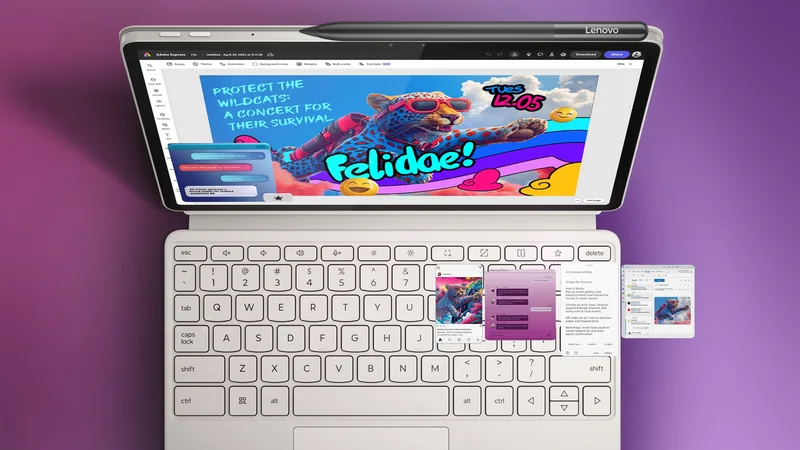
The Lenovo Tab Pen Pro supports 8,192 pressure levels, tilt detection and palm rejection, adds haptic feedback and charges wirelessly when attached to the tablet. A Keyboard Pack connects through the pogo pins and turns the tablet into a small laptop-style setup; availability and layouts vary by country. Because both accessories are optional, the real cost of the writing and typing experience is higher than the tablet price alone, and Lenovo's own materials show them as part of the intended workflow rather than extras.
Who it is for
The Yoga Tab suits people who want a compact flagship-class Android tablet: students taking handwritten notes, illustrators sketching on the go, travellers who read and watch video on a screen small enough for a tray table, and anyone who values a fast refresh rate. It also makes sense for people who already own a Lenovo laptop and want the tablet to cooperate with it. If you prefer a larger canvas, compare it with the Lenovo Yoga Tab Plus Gen 2, and for a side-by-side with a premium rival see the Lenovo Yoga Tab vs Galaxy Tab S11 table. The rankings page shows how the tablet scores against others in the catalogue.
Compromises to consider
- No cellular model and no card slot. It is Wi-Fi only and storage is capped at 256 GB.
- Modest battery for the screen. The 8,860 mAh cell is on the small side for a 144 Hz 3.2K display.
- Older chip generation. The Snapdragon 8 Gen 3 is still powerful, but it is no longer the newest flagship platform.
- Accessories cost extra. Pen and keyboard are sold separately, and the charger may not be included.
- Ordinary cameras. Both cameras are 13 megapixels, which is fine for documents and calls but not for photography.
- Unclear charging speed. Lenovo's announcement and its specification sheet differ on the adapter wattage.
Overall, the Lenovo Yoga Tab is a well-specified compact tablet whose strengths are its screen, its processor and its pen support. Its weaknesses are the ones typical of a thin body: a smaller battery and few extras in the box. If those fit your habits, it is a capable and light device that is easy to carry all day.
Where it ranks
Compare Lenovo Yoga Tab with similar devices
More from Lenovo
Frequently asked questions
When was the Lenovo Yoga Tab released?
The Lenovo Yoga Tab was released on 2025-09-05, according to the manufacturer’s published information.
What are the main specs of the Lenovo Yoga Tab?
Headline figures for the Lenovo Yoga Tab: Battery: 8,860 mAh, Refresh rate: 144 Hz, Main camera: 13 MP, RAM: 12 GB. The full specification table is further up this page.
Is the Lenovo Yoga Tab worth buying?
That depends on your priorities. Use the editorial review on this page for our view, check the rankings above to see where the device stands on battery, display and camera, and compare it directly with similar models before you decide.