Phone, Tablet, and Watch Security Compared: Face ID vs Fingerprint vs Update Support
Every phone, tablet, and smartwatch now asks you to trust it with your face, your fingerprint, your location, and years of private messages, so the security and privacy features built into a device deserve at least as much attention as its camera or battery life. Comparing how the iPhone 15 and the Galaxy S24 actually protect your data reveals real differences that rarely make it into a spec sheet, from how each device unlocks to how long the manufacturer keeps patching it against new threats.
Face ID vs Under-Display Fingerprint vs Physical Fingerprint
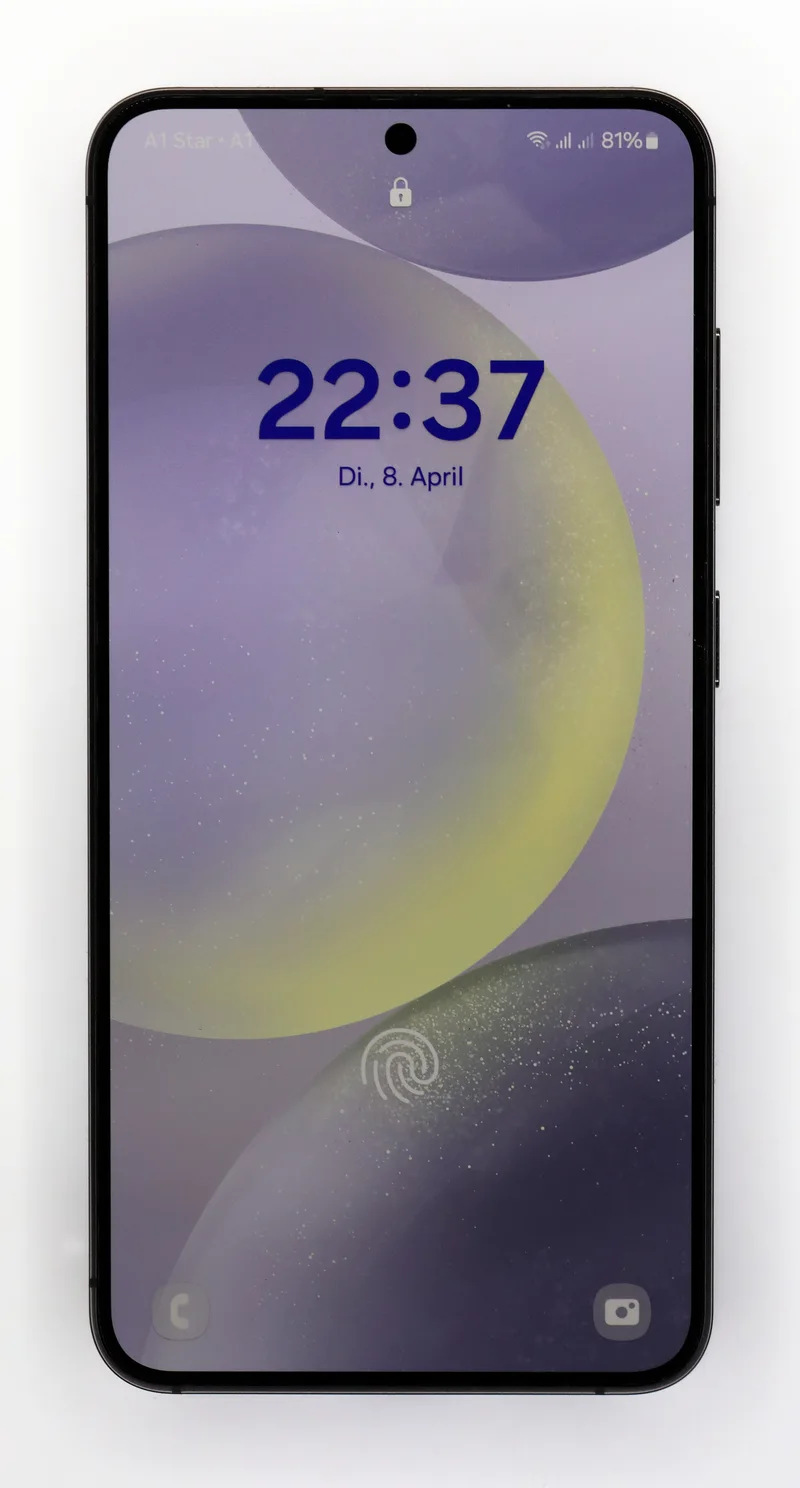
Apple's Face ID on the iPhone 15 uses a structured-light infrared projector that maps roughly 30,000 points on your face, which is why it keeps working in complete darkness and is genuinely difficult to spoof with a photo or mask. The tradeoff is orientation: Face ID wants a fairly direct view of your face, so it can feel slower when the phone is lying flat on a desk or when you're wearing a face-covering mask. Samsung's Galaxy S24 instead uses an optical under-display fingerprint sensor built into the lower part of the screen. It reads a 2D image of your fingerprint through the OLED panel, which is fast in almost any orientation but can be less reliable with wet fingers, thick screen protectors, or in bright direct sunlight. Google's Pixel 8 uses a similar optical in-display sensor, and Google has specifically tuned its cold-start unlock speed generation over generation, closing much of the gap that made earlier Pixel fingerprint readers feel sluggish compared to Samsung's implementation.
Neither biometric authentication method is perfect, and neither should be treated as a replacement for a strong PIN or passcode as a fallback, since biometric unlock on every major platform can be legally compelled in ways a memorized passcode often cannot in some jurisdictions. If that distinction matters to you, it's worth knowing that all three flagships let you disable biometric unlock entirely and fall back to passcode-only security in settings.
Software Update Support Lifetime Is a Security Feature
The single biggest long-term security differentiator between phones today isn't the unlock method at all — it's how many years of security patches the manufacturer commits to. Samsung now promises seven years of OS and security updates for the Galaxy S24, a dramatic shift from the three-to-four-year support windows Android flagships offered just a few years ago. Google matches that commitment with seven years of guaranteed updates for the Pixel 8, meaning both phones purchased today should still be receiving monthly security patches well into the early 2030s. Apple has historically supported iPhones with major iOS updates for five to six years and continues shipping security-only patches even longer for older models, though Apple does not publish a fixed number of guaranteed years the way Samsung and Google now do.
This matters more than most buyers realize, because long-term security updates are what protect a device against newly discovered vulnerabilities in the years after launch, not just at the moment of purchase. A phone with excellent security specs on day one but only two or three years of patch support is a considerably worse long-term privacy investment than a phone with slightly less impressive launch-day security but a seven-year update commitment behind it.
Tablets and Smartwatches Use Different Security Models
Security features scale down noticeably once you move from phones to tablets and watches. Budget tablets like the Galaxy Tab A9 skip biometric unlock entirely, relying on a PIN, pattern, or password, which is a reasonable tradeoff at its price point but worth knowing before you plan to use one for anything sensitive like banking apps. Mid-range and flagship tablets, including the Galaxy Tab S9 and the Xiaomi Pad 6, typically include a side-mounted or in-display fingerprint sensor, while Apple's iPad line uses Touch ID built into the top power button rather than Face ID.
Smartwatches take a fundamentally different approach: the Apple Watch Series 10, Galaxy Watch6, and Pixel Watch 2 don't run independent biometric unlock at all. Instead, they rely on a passcode you set once, combined with continuous wrist-detection that keeps the watch unlocked as long as it stays on your wrist and re-locks automatically the moment it's removed. This is arguably a smarter security model for a device you wear constantly, since it avoids the friction of re-authenticating dozens of times a day while still locking down automatically the instant the watch changes hands.
Privacy Features Beyond the Lock Screen
Unlocking your device is only the first layer. Apple's App Tracking Transparency framework requires every app to explicitly ask permission before tracking you across other apps and websites, and Apple's Privacy Report shows exactly which apps have accessed your camera, microphone, and location in the past week. Android has closed much of the historical privacy gap with its own Privacy Dashboard and one-time permission grants, and Google Tensor G3 inside the Pixel 8 handles a growing share of AI features like transcription and photo processing directly on the chip rather than sending data to the cloud, meaningfully reducing what leaves the device for everyday tasks. On-device processing like this is becoming a genuine differentiator, since it changes not just how fast a feature runs but how much of your personal data actually needs to travel over the internet in the first place.
What Actually Matters When You're Choosing
If biometric convenience is your top priority and you frequently unlock your phone in poor lighting or wearing gloves, Face ID's infrared approach on the iPhone 15 has a real edge. If raw unlock speed across every angle and orientation matters more, the optical fingerprint sensors on the Galaxy S24 and Pixel 8 are extremely fast in practice. But the factor most buyers underweight is update longevity: choosing a device backed by a seven-year security commitment, like the Galaxy S24 or Pixel 8, is one of the highest-leverage privacy decisions you can make, because it determines how protected your device will be in year five or six, long after the initial purchase decision is forgotten. For a broader look at how these same three ecosystems compare beyond security specifically, our Apple vs Samsung vs Google ecosystem guide covers the full picture, from account systems to cross-device handoff.